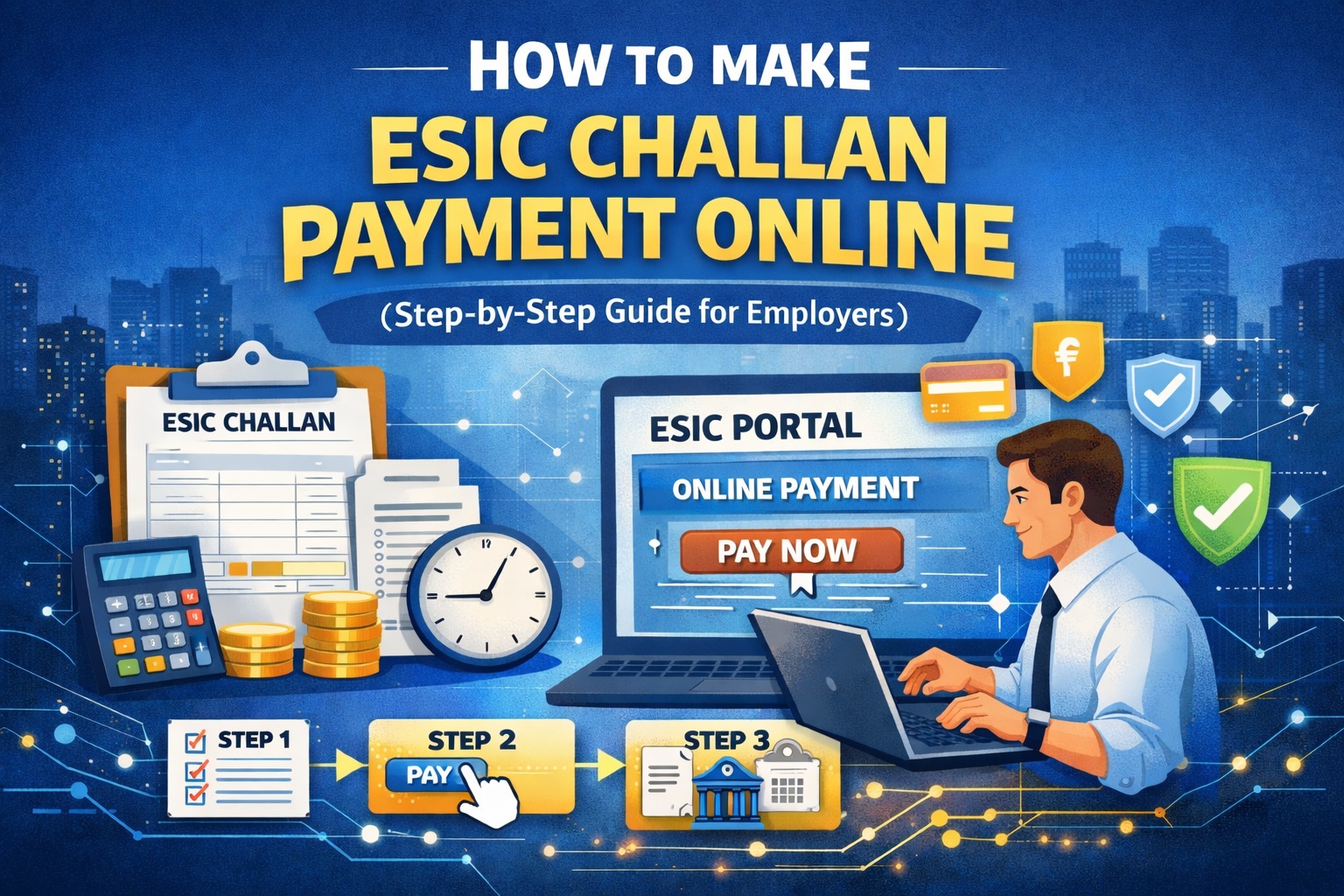
If you run payroll in India and you’re covered under ESI, then esic challan payment is one of those monthly tasks you can’t afford to miss. A delay can lead to interest, penalties, and unhappy employees who can’t access benefits smoothly.
Here’s the thing: esic challan payment online is actually straightforward once your registrations, wage data, and contribution figures are in order. This guide walks you through the complete process for esic e challan payment, from generating the challan to completing esic online challan payment and verifying that everything is reflected correctly.
What Is an ESIC Challan and Why Does It Matter?
An ESIC challan is the official payment document generated on the ESIC portal for depositing monthly ESI contributions. Employers must deposit the combined contribution (employer + employee share) within the due date each month.
When you complete esic challan payment, you’re essentially ensuring:
- Employees remain eligible for ESI medical and cash benefits
- Your establishment stays compliant
- You avoid interest and damages on late payment
- Your statutory records stay clean for audits and inspections
So yes, esic payment challan is not just a formality. It’s a compliance checkpoint.
Who Needs to Pay ESIC Challan?
You generally need to do esic challan payment if:
- Your establishment is covered under ESI Act
- You employ eligible employees under the wage ceiling as applicable
- You have generated monthly contribution data (wages and deductions)
- You’re required to deposit ESI contributions for the wage period
Even if only a few employees are eligible, you still need to complete esic challan payment online for that month.
Before You Start: Keep These Ready
To avoid getting stuck mid-way, keep these ready before doing esic e challan payment:
- Employer login credentials for ESIC portal
- Wage period details (month and year)
- Employee wage data (gross wages as applicable for ESI)
- ESI contribution calculations (employee + employer share)
- Bank account / net banking / UPI or payment method enabled for online transaction
- Stable internet connection and updated browser
This small prep makes esic online challan payment smooth.
Step 1: Log In to the ESIC Employer Portal
Start your esic challan payment online journey by logging into the ESIC employer portal using your establishment credentials.
Once logged in, you’ll typically find options related to:
- Monthly contribution
- Challan generation
- Payment history
- Employee details
The exact naming may vary slightly with portal updates, but the flow stays the same.
Step 2: Update Monthly Contributions (Wage Details)
You can’t make esic challan payment unless you upload or enter monthly wage details.
What you need to do here
- Select the correct wage period (month/year)
- Enter employee wage details (as applicable)
- Confirm number of employees and wages
- Save/submit contribution details
If you process payroll through software, ensure the wage values match what you’re filing for ESI. Any mismatch can create issues later during inspection or benefits claims.
This step is the foundation for generating the esic payment challan correctly.
Step 3: Generate the ESIC Challan
After contribution details are submitted, the portal gives you the option to generate the challan.
What happens when you generate it
- A challan number is created
- Total contribution payable is shown
- A due date is usually displayed
- The challan becomes available for esic e challan payment
This is the actual esic payment challan you will pay against.
Important: Generate challans only after verifying wage details, because once the challan is generated, changes may require additional steps or corrections.
Step 4: Verify the Challan Amount Carefully
Before proceeding to esic challan payment online, confirm:
- Wage period is correct
- Employee count is correct
- Total wages are correct
- Total contribution amount is correct
- No employee is wrongly excluded or added
A small error here can lead to overpayment, underpayment, or reconciliation headaches later.
If everything looks correct, you’re ready for esic online challan payment.
Step 5: Proceed to ESIC Challan Payment Online
Now you’ll see a “Pay” or “Online Payment” option on the challan screen.
Click it and choose your payment method. This step is the heart of esic challan payment online.
Common payment modes
- Net Banking
- Debit card (depends on gateway availability)
- UPI (depends on gateway availability)
- Other bank payment options via authorized payment gateway
Complete the transaction as instructed by your bank/payment gateway.
Once successful, you’ll usually see a confirmation message. That’s your completed esic e challan payment.
Step 6: Download Receipt / Payment Confirmation
After esic challan payment, you should download and store:
- Payment receipt / transaction confirmation
- Challan copy
- Bank reference number or transaction ID
Why this matters:
- Helps during audits
- Helps if payment is successful but not updated on ESIC portal
- Makes monthly compliance reporting easier
Think of it as your proof of esic online challan payment.
Step 7: Confirm Payment Status on the ESIC Portal
Sometimes payment succeeds at the bank but ESIC status updates after a short delay.
So after you complete esic challan payment online, check:
- Payment history / challan status
- Whether challan shows “Paid”
- Whether receipt is available for download
If status shows “Paid,” your esic payment challan is officially settled for that wage period.
Common Problems During ESIC Challan Payment Online (And Fixes)
Let’s break down what typically goes wrong and what to do.
1) Payment successful but challan still shows unpaid
This can happen due to gateway delay.
What to do
- Wait a little and refresh later
- Recheck in payment history
- Use transaction reference number to track
- Do not pay again immediately unless you confirm failure
2) Payment failed but amount deducted
This is a bank-side pending situation.
What to do
- Check if amount is reversed within bank timeline
- Check ESIC portal after some time
- Keep transaction ID and raise a grievance if needed
3) Wrong wage details entered before challan generation
This leads to wrong esic payment challan amount.
What to do
- Follow portal correction process (varies)
- If already paid, keep records and address with ESIC office if adjustment is needed
- Prevent recurrence by verifying wage sheet before submission
4) Portal login issues
- Password issues
- Captcha problems
- Browser compatibility
What to do
- Try updated browser
- Clear cache
- Reset password if required
Due Date, Late Payment, and Consequences
If you miss your esic challan payment due date, ESIC may charge:
- Interest for delayed payment
- Damages/penalty depending on delay duration
- Increased compliance scrutiny during inspections
Even if you pay later through esic challan payment online, late payment can still attract charges. So it’s best to build a monthly reminder for esic e challan payment and payroll finalization.
Best Practices to Make ESIC Challan Payment Smooth Every Month
If you want fewer surprises, these habits help a lot:
1) Lock payroll early
Finalize wage sheets early so esic challan payment isn’t rushed at the end.
2) Maintain clean employee master data
Incorrect employee details can create contribution issues.
3) Reconcile monthly
Match payroll deductions with esic payment challan paid amount.
4) Save receipts in a monthly folder
Keep challan + receipt together for each wage period.
5) Avoid last-day payments
Payment gateways can slow down. Do esic challan payment online ahead of time.
How to Verify Your ESIC Challan Payment for Compliance
After esic online challan payment, verification should include:
- Challan status marked paid
- Receipt downloaded and stored
- Total amount equals payroll ESI total
- Wage period correctly recorded
- Payment entry visible in ESIC payment history
This becomes crucial if you ever face an inspection or if an employee benefit claim needs contribution proof.
FAQs: ESIC Challan Payment
1) Can I do ESIC challan payment online for previous months?
Yes, in many cases you can pay pending challans through esic challan payment online, but late payment may attract interest/damages.
2) What is esic e challan payment exactly?
esic e challan payment refers to paying the ESIC challan digitally through the portal’s online payment gateway.
3) Is esic online challan payment mandatory?
Online is the most common method now, but the real requirement is timely payment and proper challan settlement. Practically, esic online challan payment is the standard process for most employers.
4) What if I accidentally paid twice?
If you suspect double payment during esic challan payment, keep both transaction records and check if ESIC portal reflects both or only one. Escalation may be required for adjustment/refund depending on the case.
5) Where do I find the receipt after esic challan payment online?
Usually under payment history / challan history after payment status updates. Download it immediately after your esic payment challan is paid.
Final Checklist Before You Hit Pay
Before completing esic challan payment online, quickly confirm:
- Correct wage period selected
- Correct wages and employee count entered
- Contribution amount matches payroll
- Challan generated successfully
- Payment mode ready and working
- Receipt downloaded after payment
Do this, and esic challan payment, esic e challan payment, and esic online challan payment become a predictable monthly routine instead of a stressful deadline scramble.
.jpg)